You haven't signed in yet, you can have a better experience after signing in

Activity Rules
1、Activity time:{{ info.groupon.start_at }} ~ {{ info.groupon.end_at }}。
1、Activity time:cease when sold out。
2、Validity period of the Group Buying:{{ info.groupon.expire_days * 24 }} hours。
3、Number of Group Buying:{{ info.groupon.need_count }}x。
Please Pay Attention
1、Teamwork process: Join/initiate a Group Buying and make a successful payment - Within the validity period, the number of team members meets the activity requirements - Group Buying succeeded!
2、If the number of participants cannot be met within the valid period, the group will fail, and the paid amount will be refunded in the original way.
3、The number of people required and the time of the event may vary among different products. Please pay attention to the rules of the event.

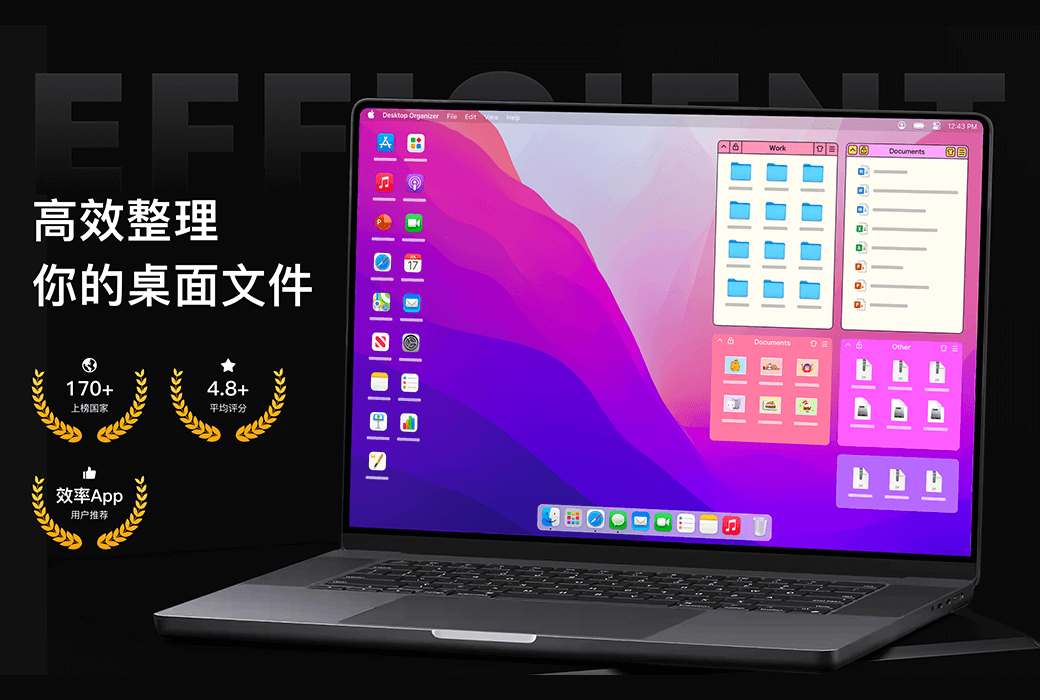
Desktop Organizing Master Mac Desktop File Classification Efficient Organizing Tool Software


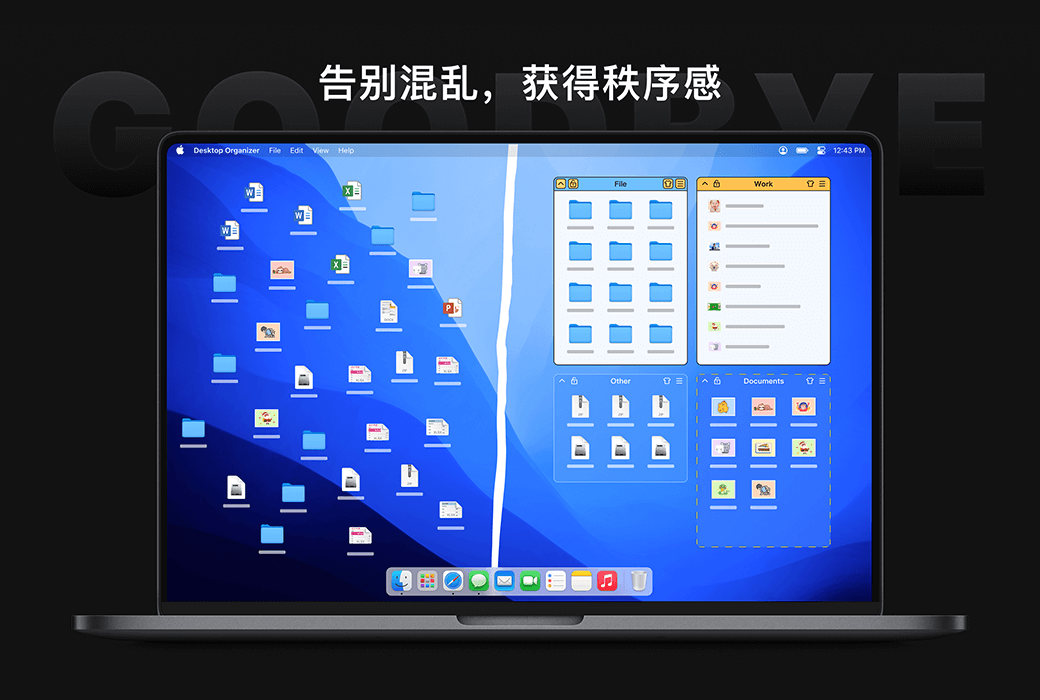
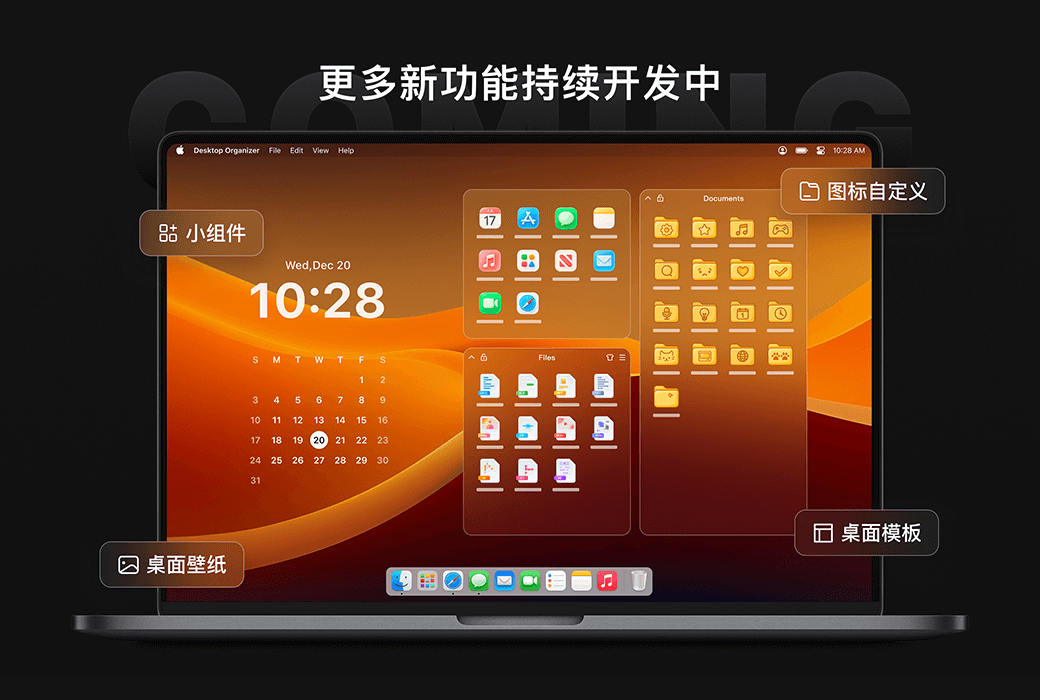
Desktop Organizing Master - Keep your workspace organized, make desktop management easier, and improve work efficiency!
Core functions
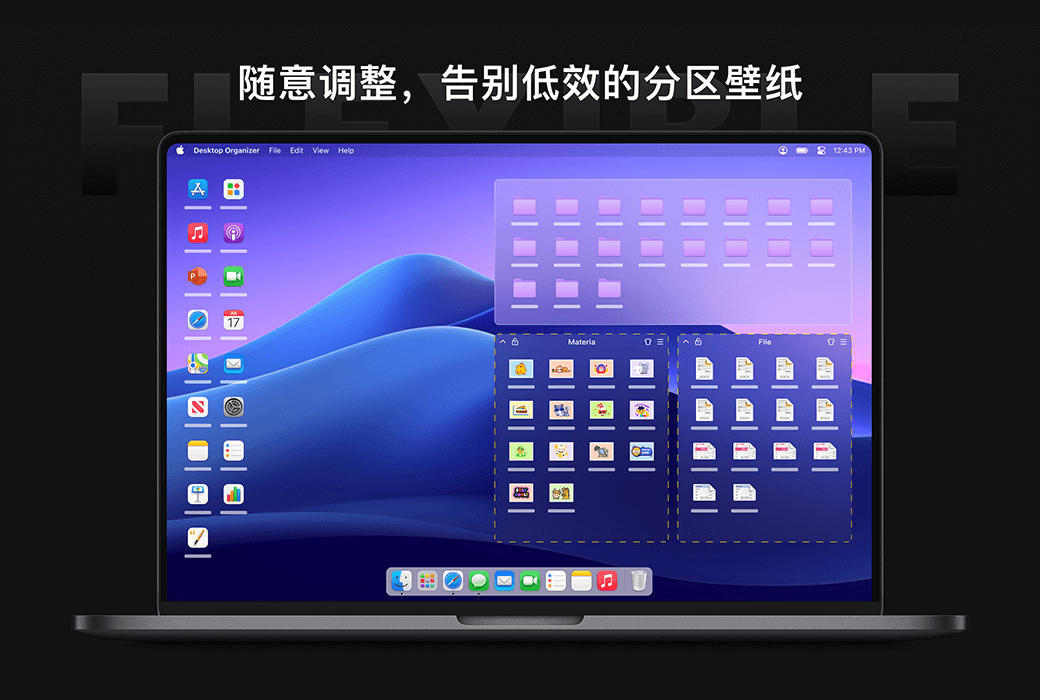
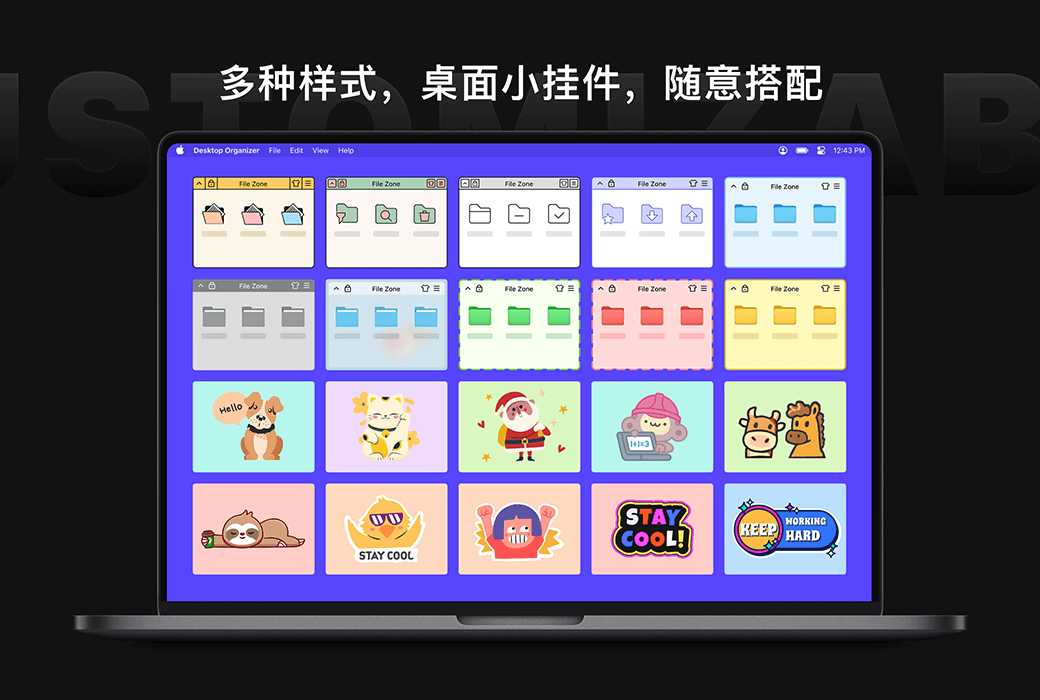
Personalized customization
Featured advantages

官方网站:https://www.desktoporganizer.app/
下载中心:https://desktoporganizer.apsgo.com
发货时间:人工处理
运行平台:macOS
界面语言:支持中文界面显示,多语言可选。
更新说明:有效期内使用和更新,终身版支持永久使用和更新。
买前试用:购前可免费试用。
如何收货:购买后,激活信息会以邮件的形式发送到下单时的邮箱,同时可在个人中心,我的订单中查看对应的产品激活码。
设备数量:可安装 5 台电脑。
更换电脑:原电脑卸载,新电脑激活。
激活引导:收到兑换码后,请前往苹果商店,左下角点击头像,兑换码充值卡,按照提示完成兑换。
特殊说明:由于苹果商店礼品卡代码相关限制,兑换码发出之后,请务必在「7天」天内完成兑换,过期后不支持退换货,礼品卡兑换成功后,会员到期会自动进行续费,如不希望续订,可在兑换完成后在订阅管理内取消到期自动续费。

Any question
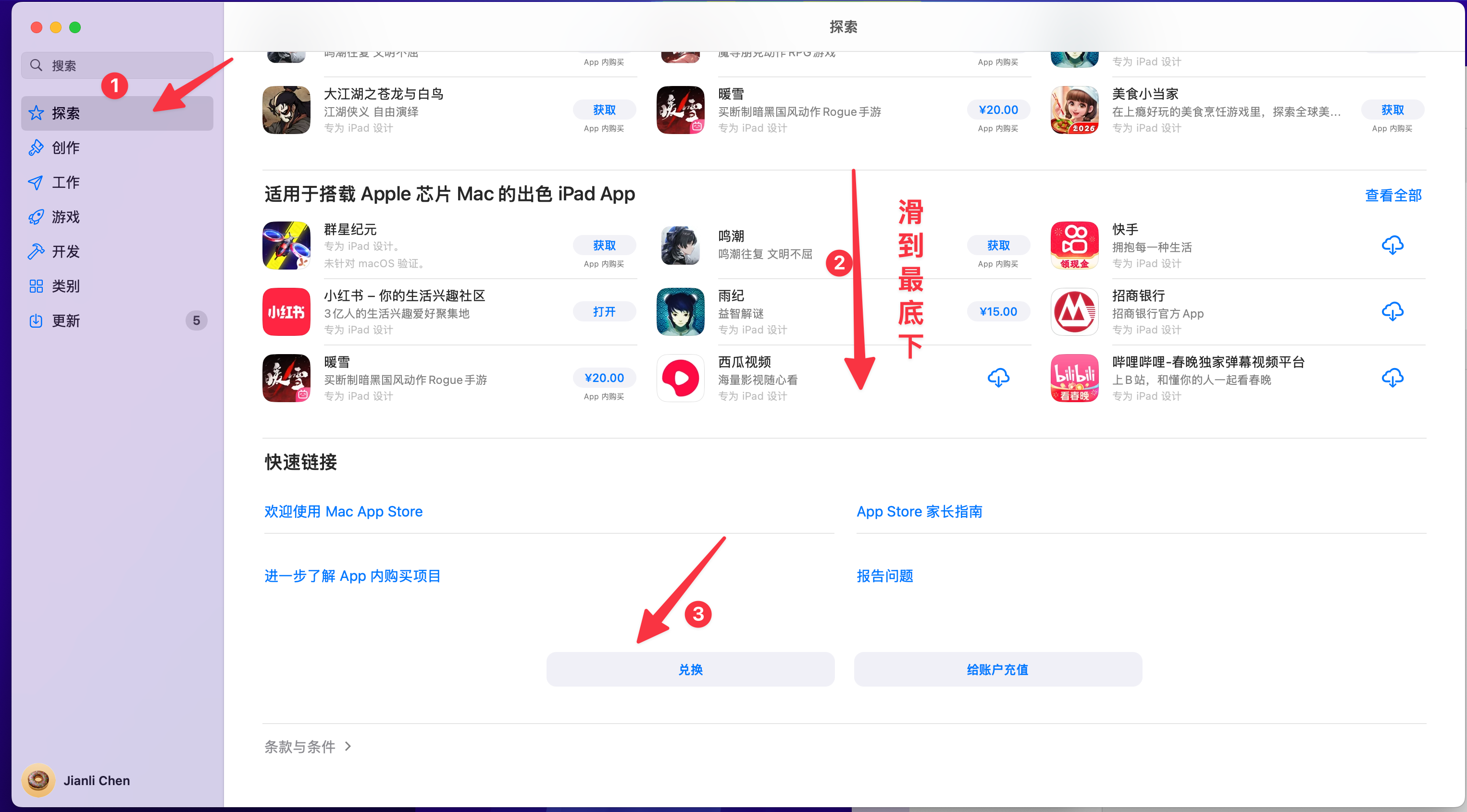
1.点击 AppStore 「探索」 模块
2.滑动到最后
3.点击「兑换」

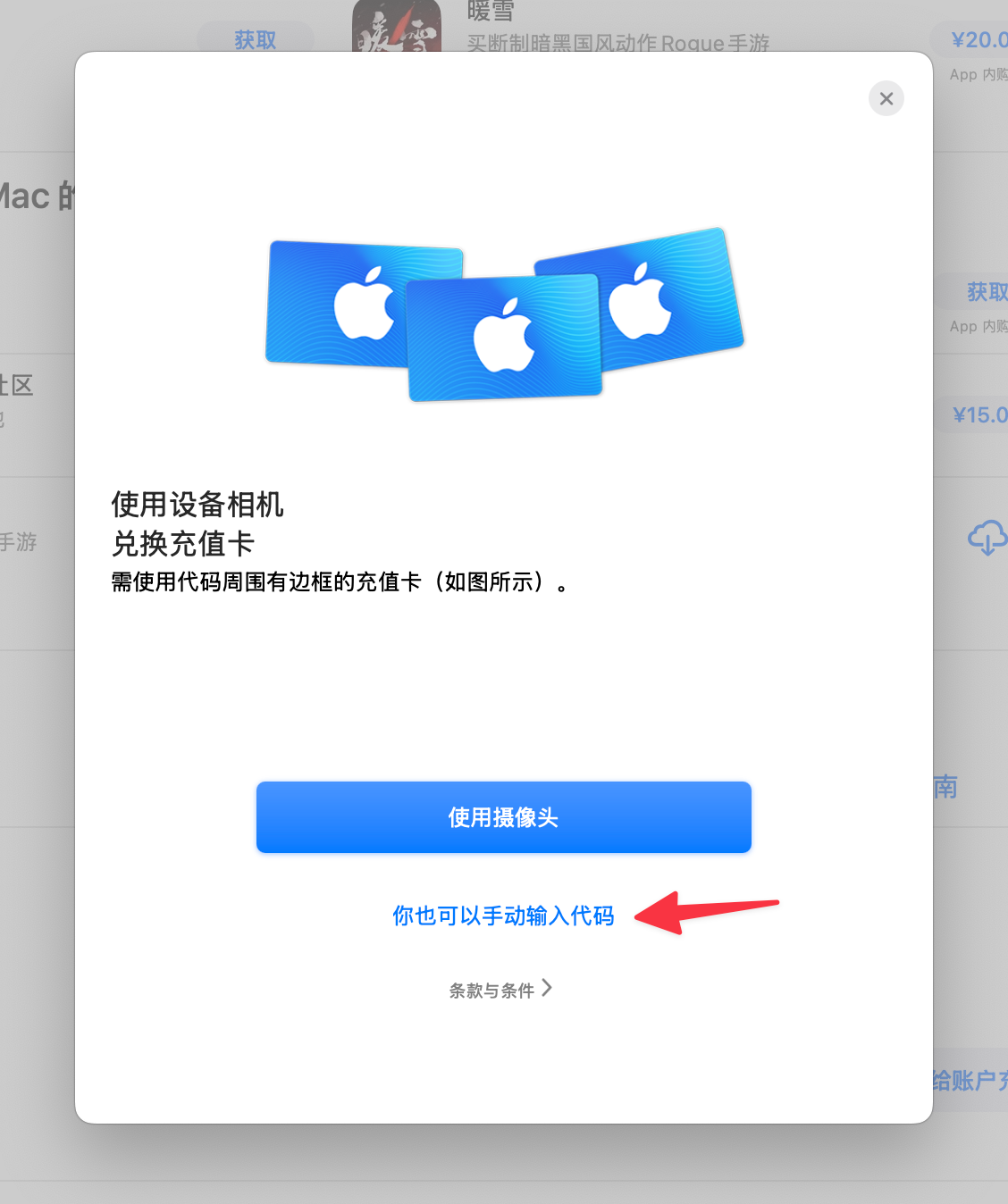
4. 选择手动输入兑换码

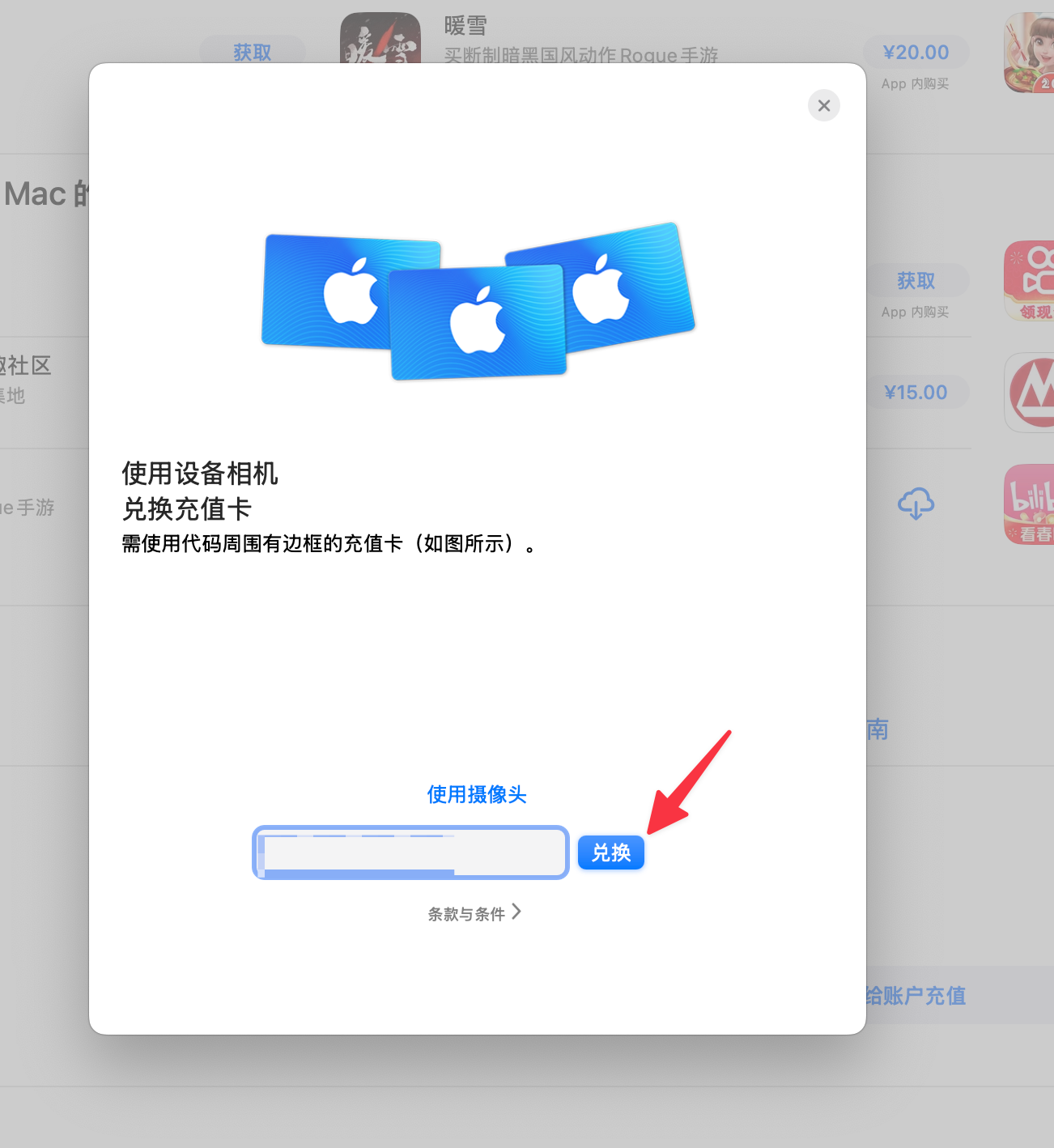
4. 输入完兑换码,点击兑换

5. 下载App
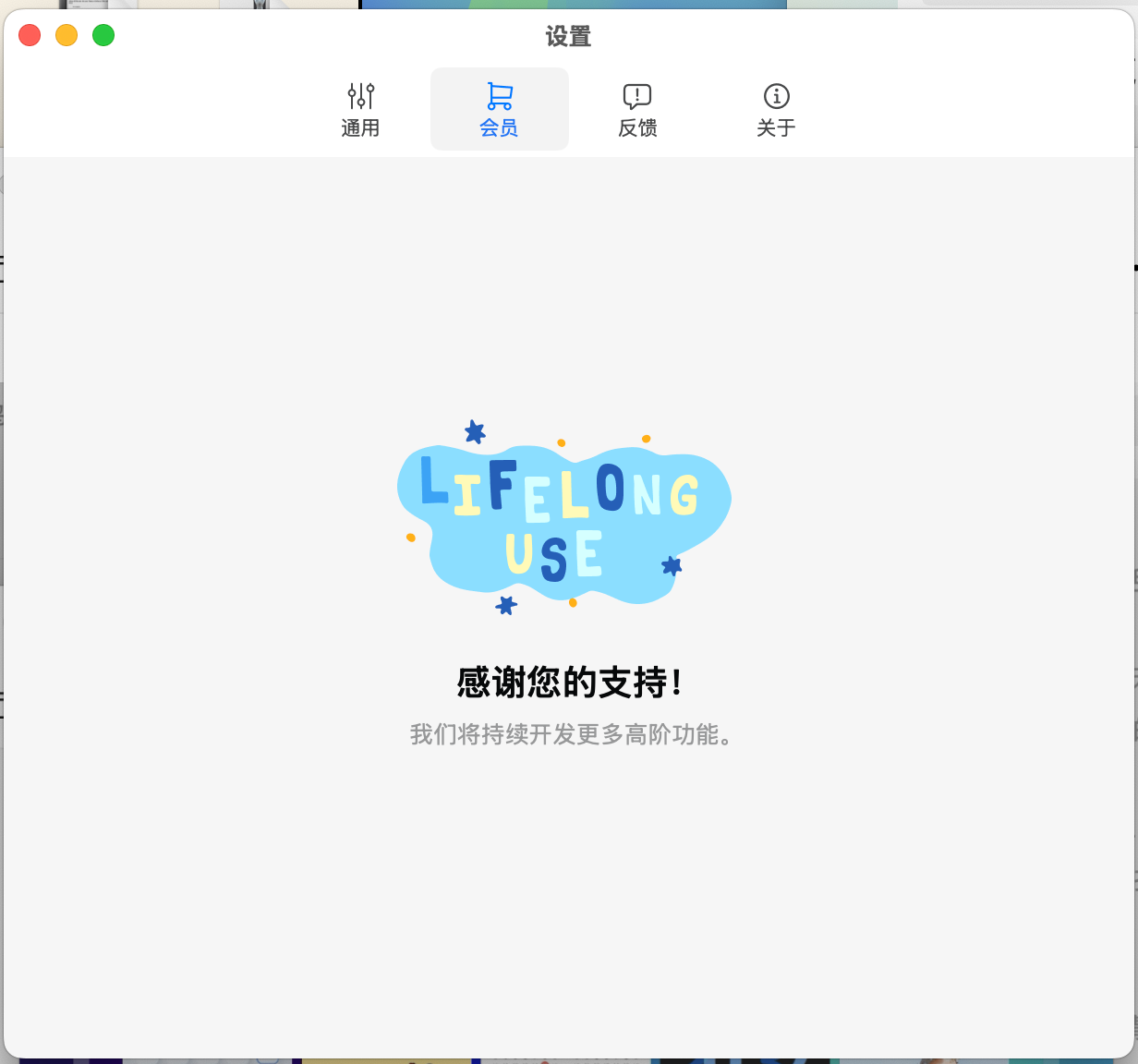
6. 打开App设置,会员Tab这里会展示你兑换成功的状态,如果你是终身会员,就会是下面的页面

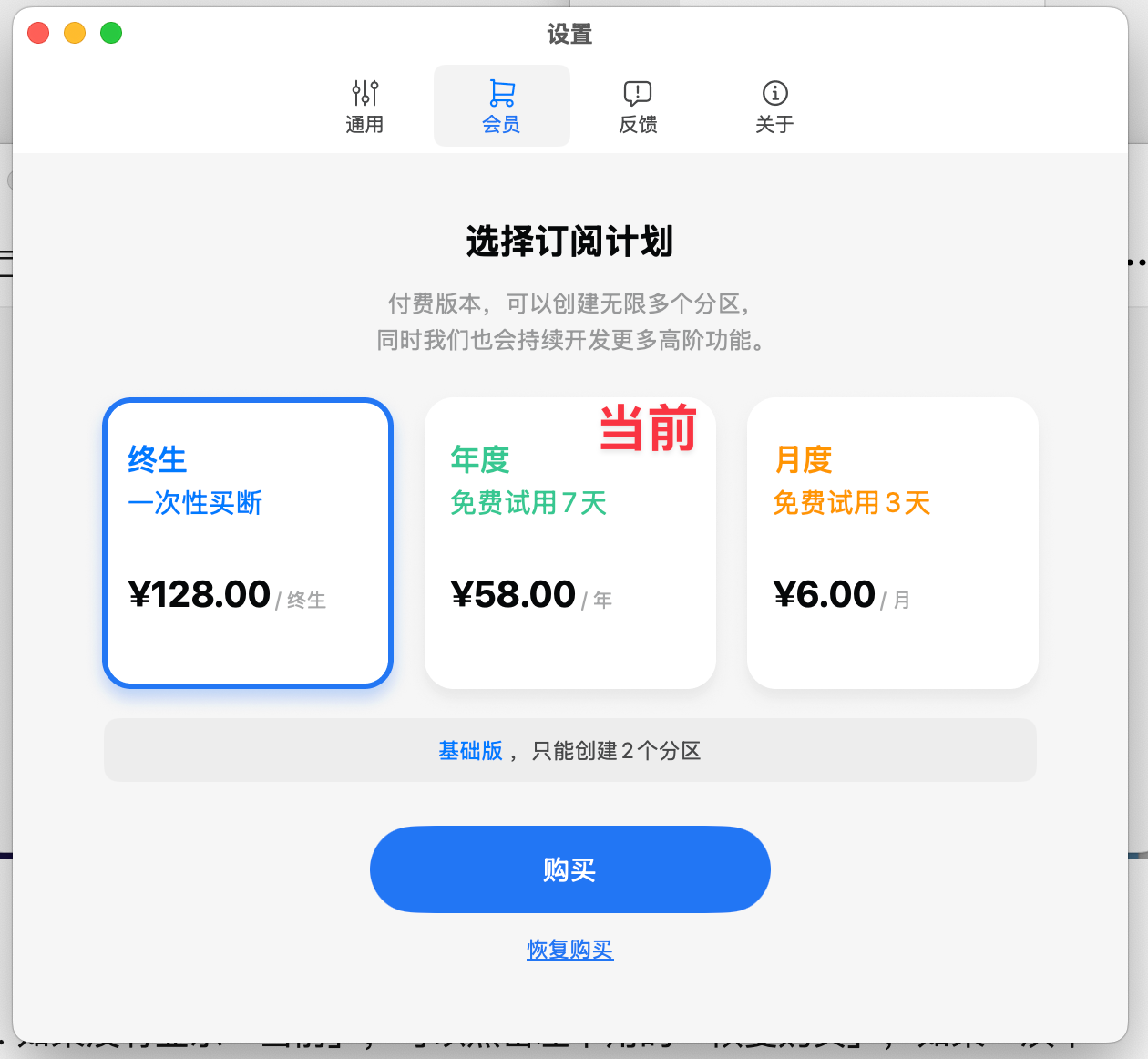
如果是年,月,会在对应tab上展示「当前」,同时下面会有到期时间

7. 如果上面的状态都没有,可以点击下面的「恢复购买」,如果一次不行,,就多点几次(苹果那边接口状态返回很慢)